Your Ready-to-Use Online Store Solution
Set up your free online store quickly and easily, and accept secure e-commerce payments with PayTR Virtual POS.


Your Ready-to-Use Online Store Solution
Set up your free online store quickly and easily, and accept secure e-commerce payments with PayTR Virtual POS.

PayTR Kolay Mağaza is a developed for small businesses and built on the payment infrastructure.
It allows businesses to start selling online under their own domain name in a short time, without requiring advanced technical knowledge.

Free online store solution

Opportunity to grow your brand with your own domain name

Free and easy setup

Mobile-friendly

Designed specifically for small businesses

Order and inventory management from a single panel

Integrated payment infrastructure with PayTR Virtual POS

Full regulatory compliance
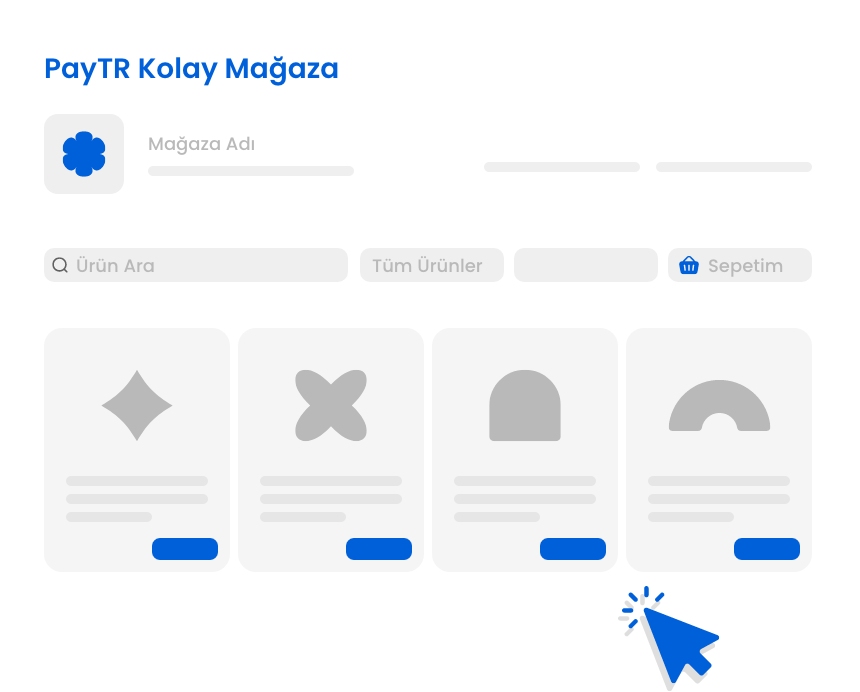
PayTR Kolay Mağaza is designed to help you build your online store and start selling without advanced technical knowledge. With your own domain name and integrated payment infrastructure, you can begin accepting online orders in a short time.
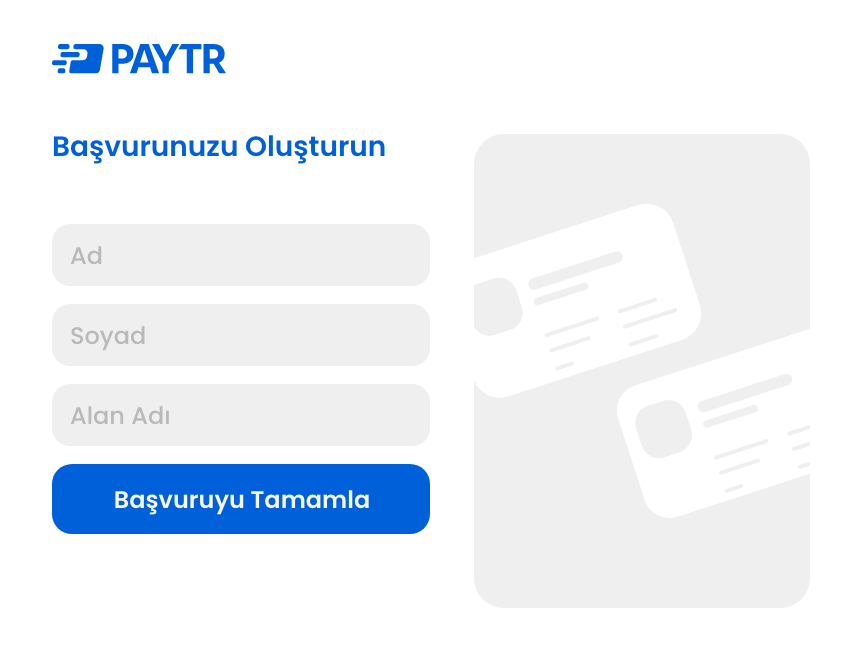
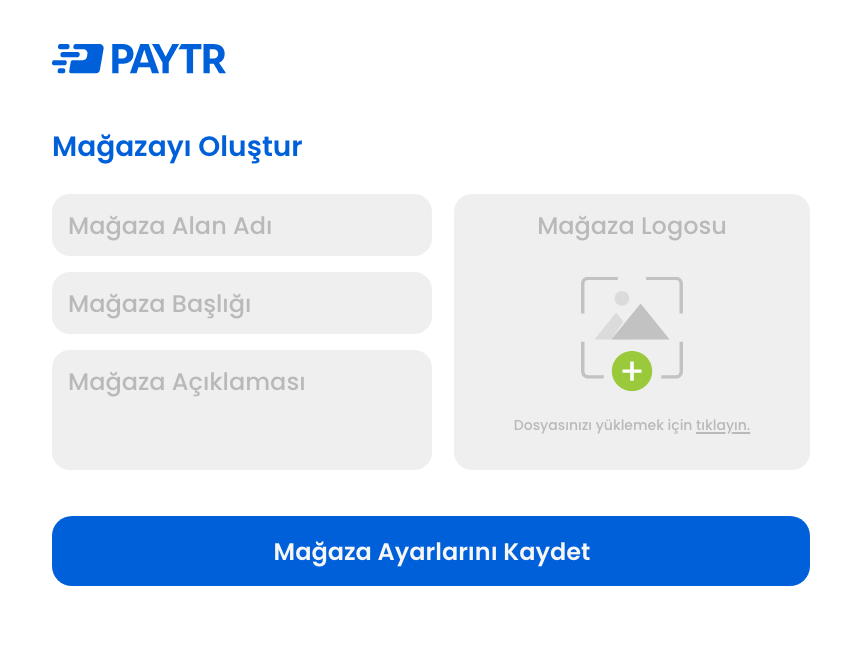












All the payment solutions you need, in one place.

E-ticaret sektörü, her geçen gün büyüyen bir pazar haline gelirken doğru ödeme sistemi seçimi de işletmelerin başarısını

E-Ticaret’in Gayrisafi Yurtiçi Hasıla (GSYH) içindeki payı 2020 yılında %4,1 ilen 2021 yılında %5,1’e ulaştı. Tüm dünyad

Pop-up mağaza gibi geçici iş modelleri, hem markalar hem de müşteriler için özgün bir alışveriş deneyimi yaratıyor. Anca
PayTR Kolay Mağaza is a ready-to-use e-commerce software solution developed by PayTR. It allows you to sell through your own domain name and accept payments using PayTR Virtual POS infrastructure.
PayTR Kolay Mağaza is particularly suitable for:
● Micro and small businesses
● Users with limited technical knowledge
● Businesses that want to start selling online quickly
● Businesses selling between 1 and 100 products
No. PayTR Kolay Mağaza is not:
● An agency-built solution
● An enterprise e-commerce platform
● A developer-focused product.
It is designed to help you start selling online quickly, simply and with greater control.
Yes. You can set up PayTR Kolay Mağaza in your own hosting environment and sell through your own domain name.
Online marketplaces may provide access to existing customer traffic, but they can also involve commission fees, brand dependency and limited control.
With PayTR Kolay Mağaza, you can sell under your own brand and domain name while having greater control over the customer experience.
PayTR Kolay Mağaza provides a more comprehensive online selling experience than Pay by Link, including:
● An online product catalogue
● Category and product management
● A complete online store experience
● A more scalable structure
In simple terms, it can be positioned as the next step after Pay by Link.
Open-source solutions such as WordPress and OpenCart can be powerful, but their setup, maintenance, plugin compatibility and regulatory requirements may create additional work for businesses.
PayTR Kolay Mağaza offers an alternative with:
● A simpler setup process
● Ready-to-use PayTR integration
● Lower technical barriers
No. PayTR Kolay Mağaza is set up in your own hosting environment, and your business is responsible for setting up the servers and hosting.
PayTR provides a setup wizard. However, FTP access, database creation and server configuration must be managed by the business.
The customer is responsible for managing hosting, servers, and infrastructure used for PayTR Kolay Mağaza.
No. Domain and DNS changes are outside the scope of PayTR support and must be managed by the business.
PayTR Kolay Mağaza operates with the domain name registered during the onboarding process. Changing the registered domain name is not supported.
PayTR Kolay Mağaza is designed to reduce technical barriers. However, because it is set up in the customer’s own hosting environment, some basic technical steps may be required, such as managing FTP access, databases and server settings.
Advanced technical expertise is not necessary, but setup is not completely hands-off.
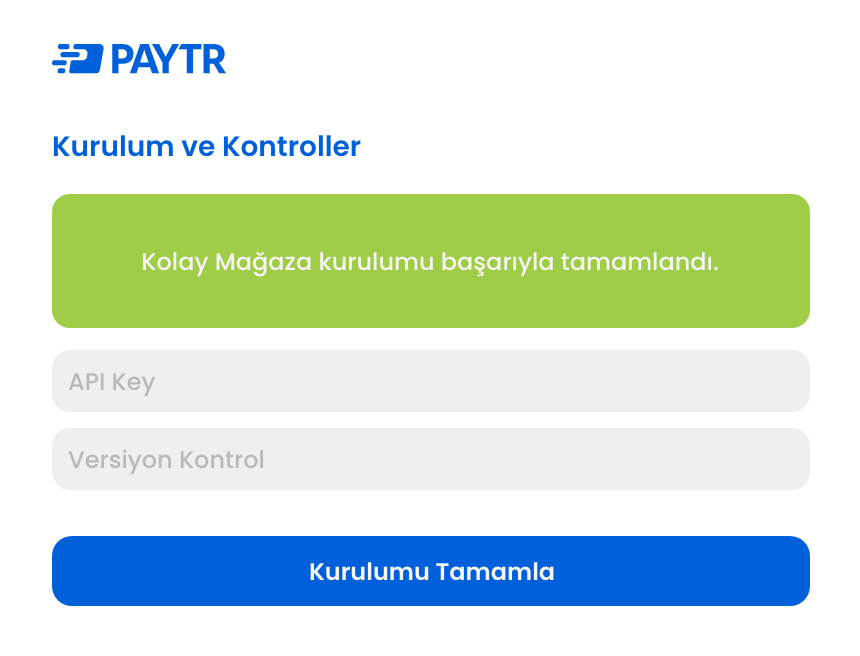
Yes. The PayTR Kolay Mağaza setup process includes generating an API key and verifying it through the PayTR Merchant Panel.
Yes. Access to the PayTR Merchant Panel is required to complete the setup.
The setup settings page is accessible only to users with the Main User role. The individual initiating and completing the setup must therefore have Main User authorization.
Store information, product categories, and products are managed via the PayTR Merchant Panel.
The available features include:
● Store information management
● Category management
● Product management
● Online payment acceptance with PayTR Virtual POS
● API key generation and verification through the PayTR Merchant Panel
Yes. PayTR Kolay Mağaza has a responsive design compatible with mobile phones, tablets and desktop devices.
Yes. PayTR Kolay Mağaza has been developed with an SEO-friendly infrastructure to help your online store become more visible in search engine results.
Yes. Product inventory information can be managed through the PayTR Kolay Mağaza Panel.
Yes. Different users can be added through the authorization system in the PayTR Kolay Mağaza Panel.
PayTR Kolay Mağaza uses PayTR Virtual POS as its payment infrastructure.
Customers can add products to their shopping cart and complete their payments through a cart-based checkout process.
Payments made through PayTR Kolay Mağaza are processed using PayTR Virtual POS infrastructure and in line with PayTR’s regulatory and security standards.
The solution is designed to minimize risks commonly associated with open-source plugins, such as security vulnerabilities, incompatible updates and regulatory compliance issues.
No. PayTR Kolay Mağaza is not designed as a product that generates direct licensing revenue. It aims to expand the use of PayTR Virtual POS and strengthen the PayTR ecosystem.
The PayTR Kolay Mağaza software is provided free of charge by PayTR. However, businesses must cover the costs of their domain name, hosting, and any required SSL services.
Where pricing or commission details are included on the landing page, they should be supported with the relevant commercial package information.
There is currently no direct accounting or ERP integration. Manual processes or API-based solutions are required.
No. PayTR Kolay Mağaza currently supports Turkish and transactions in Turkish lira only.
PayTR Support assists with:
● Error messages displayed during setup
● API key verification issues
● Merchant Panel access or user role issues
● Basic payment flow checks
PayTR does not provide support for:
● Hosting and server issues
● FTP access problems
● PHP or database setup
● Domain and DNS settings
A 403 Forbidden error may occur when the server’s root directory does not contain an index.php file or when access to the file or directory has been restricted.
A 500 Internal Server Error may occur because of a fatal PHP error, an incompatible PHP version or a missing PHP extension.
● 403: Incorrect file permissions or .htaccess restrictions
● 404: Incorrect directory path or missing files
● 500: PHP incompatibility or a fatal PHP error
You can submit a support request through PayTR’s official support channels.
Since 2009, PayTR has enabled businesses to accept payments securely, quickly, and easily through its next-generation payment technologies, led by its Virtual POS solution. Today, PayTR provides online and in-person payment solutions to more than 200,000 businesses.
PayTR Ödeme ve Elektronik Para Kuruluşu A.Ş. bir TÖDEB üyesidir.

PayTR Payment and Electronic Money Institution Inc. is a licensed electronic money and payment services institution established under Law No. 6493, regulated by the Central Bank of Turkey (TCMB). The PayTR brand is a registered trademark of PayTR Payment and Electronic Money Institution Inc.


We use cookies to provide you with a better shopping experience. For more information, you can review our cookie policy and the statement regarding personal data protection.