Receive payments from all banks with a single device with PayTR Physical POS
For your in-person store sales, accept payments from any bank with a single POS device.


Receive payments from all banks with a single device with PayTR Physical POS
For your in-person store sales, accept payments from any bank with a single POS device.
 Thanks to physical POS, your customers can earn and spend Points
 Sustainable payment experience with Secure Payment Infrastructure
 Receives Payments from All Domestic and Foreign Cards with Single Integration
Accept fast, secure, and seamless payments with partnered POS devices.
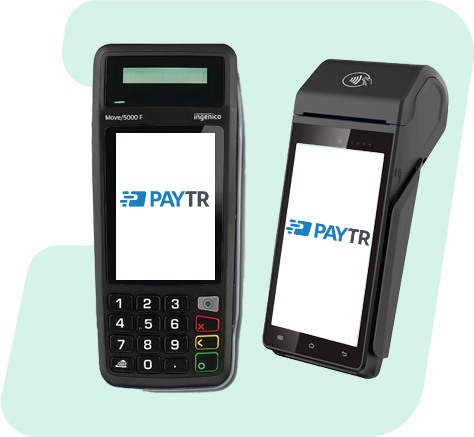
You can use our PayTR Physical POS solution with our integrated Worldline-licensed Pax A910SF, Worldline-licensed Move/5000 F, Worldline-licensed iDE280 and Worldline-licensed iWE280 devices and manage all your payments from a single panel.
You can use the PayTR Physical POS solution integrated with Hugin N700 and N910 POS devices and manage all your payments from a single panel.
When receiving payment with a single POS device in your store sales, send the information receipt to your customers either as an e-invoice or with a physical printout.
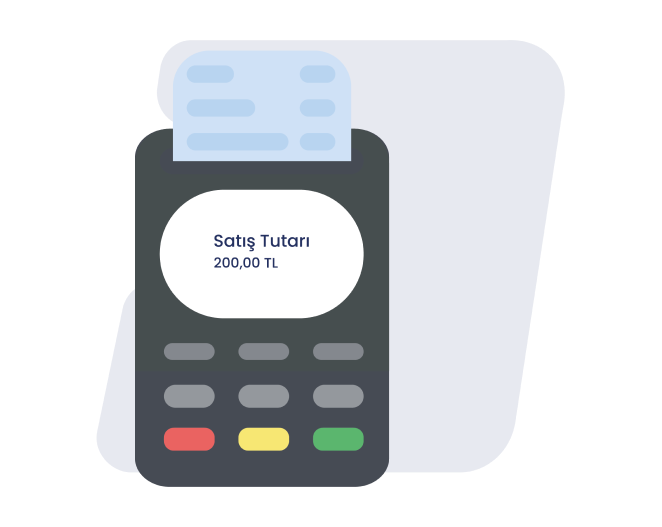
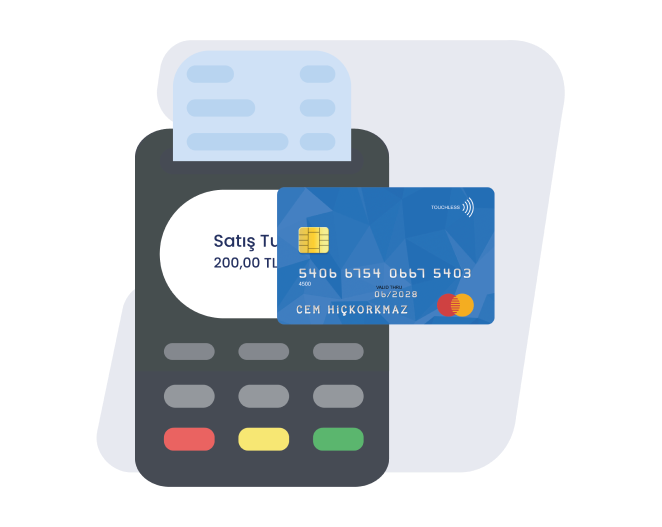
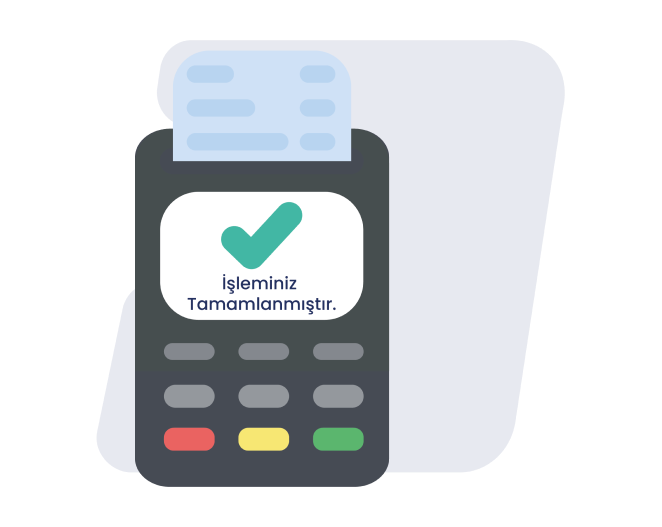
Receive payments from all banks with a single device with PayTR Physical POS.
Your pre-application is received by filling in the fields specified in the application form and clicking the “Complete Application” button.
Complete your membership process by uploading your documents online quickly via the link we send via e-mail.
After all your application procedures are completed, activate your POS device with the confirmation we will send you.

Secure Payment Infrastructure
With our secure payment infrastructure, we provide you with a sustainable payment experience.

UniSupport
Every PayTR merchant can access 24/7 technical and operational support through the PayTR Merchant Panel.

Smart Catch
When the payment transfer bounces back from the bank for any reason, Smart Catch automatically captures and reports this payment.

Fraudar
Our anti-fraud infrastructure, which has a 99.8% transaction success rate, monitors all transactions instantly and always protects you against fraud risks by canceling the transaction in case of a possible fraud.
All the payment channels you need, in one place!
In-store POS devices are physical units businesses use to accept payments from customers in exchange for goods or services. They accept payment methods such as credit cards and cash, and record transactions in an organized manner. It is a solution that integrates with Ingenico and Hugin POS devices, enabling in-person payment collection. Through agreements with banks, you can accept both one-time and installment payments.
To get an in-store POS device, first apply through our page. Once your business's legal status, commercial activities, and financial history are reviewed, the POS device can be provided. The application process typically concludes with the submission of required documents and the completion of approval.
It lets you work with multiple banks through a single integration, so you don't have to deal with several application processes. In addition, its fast and reliable payment infrastructure helps you grow your business.
You can apply online through PayTR. The application form asks for your business and commercial information. After your application is reviewed, a suitable POS solution is offered.
Basic documents required for a POS application include the trade registry gazette, tax certificate, signature circular, and ID document. Additional documents showing your business activity, bank account details, and any prior payment history may also be requested. Each bank's document requirements may vary.
You can access POS devices through partner suppliers or banks. Once your application is approved, you will be given the instructions needed for setup and use.
The first step in installing an in-store POS system is choosing a location. The devices are then physically connected, software is installed, and necessary configurations are made. The business integrates with payment providers and the system is tested.
PayTR's new-generation in-store POS devices support fast processing and contactless payments (NFC). With detailed reporting and user-friendly interfaces, you can manage all payment processes more efficiently.
PayTR's new-generation EFT POS-enabled cash registers (YNÖKC) support fast processing and contactless payments (NFC). Detailed reporting and a user-friendly interface streamline payment workflows. They also integrate with the Revenue Administration (GİB) to effectively manage the secure storage and reporting of legal documents.
In-store POS devices are used for in-store sales, while Virtual POS systems are designed for online commerce. With in-store POS, customers can physically swipe their cards on the device, while with Virtual POS, card details are entered manually. Both systems offer solutions for different commercial needs and use different protocols for transaction security.
When choosing a POS device, compare transaction commission rates, monthly fixed fees, and technical support services. The device's technical specifications, suitability for your daily transaction volume, and ease of integration are also important factors. The capacity to support various payment methods and the presence of security certifications should also be considered.
PayTR offers a range of in-store POS device models to suit business needs. These devices are equipped with modern technology and support secure payment processing. With wireless and wired options serving different business types, these POS systems stand out for fast processing capacity and user-friendly interfaces. Integrated software solutions also provide additional features such as sales reporting and inventory management.
PayTR does not charge additional fees such as application or usage fees. It provides a cost advantage with a commission rate set based on your business's transaction volume.
System costs may vary based on the business's needs, the quality of the chosen devices, and the software used. Device costs, software licenses, and technical support services may vary by business size.
No additional fee is charged for contactless (NFC) payments. Under your existing commission structure, you can accept contactless payments without charging customers any extra fee.
Commission rates vary based on the payment transaction type, card type, and transaction amount. Businesses can set these rates by agreement with their payment service provider.
The ÖKC (Payment Cards and Credit Cards) service fee is a service charge paid to process POS transactions. This fee is typically calculated as a specific percentage of the transaction amount and may vary by bank. The ÖKC fee is charged for the secure processing of card transactions and the provision of infrastructure services.
You can initiate the transaction by selecting the one-time or installment option on the POS device. Once your customer's card is read, the payment type is quickly confirmed and the collection is completed.
Funds are typically credited to your account on the next business day, or in some cases the same day. This period may vary based on partner banks' processing protocols.
Currently, you can only accept payments in Turkish Lira. Once banks approve the foreign currency POS application, EUR and USD collection will soon be available through Hugin new-generation cash register EFT POS (YNÖKC) devices. This will make it easy to accept payments from international cardholders.
PayTR In-Store POS lets you accept payments from cards issued by any bank. Installment options vary based on the relevant bank's campaigns and agreements.
Yes, you can offer installment sales on credit cards from partner banks. This feature provides payment flexibility to your customers and can increase sales.
Transaction limits defined through PayTR are set based on your business needs. When you request a limit change, the update is processed quickly within the device's maximum transaction limit.
Contactless transactions are subject to an upper limit set by banks and card providers (e.g., 500 TL). Limits may vary based on device type and bank rules.
As a payment institution licensed by the Central Bank of the Republic of Turkey, PayTR maintains high security standards. With 24/7 monitored infrastructure and EMV standards, it minimizes fraud risk.
Your POS device protects contactless transactions through EMV compliance and encryption technologies. As a result, card details are transferred securely over short distances during NFC payments.
PayTR In-Store POS works on a “plug-and-play” basis, with no additional software installation required. After signing up, activate your Hugin or Ingenico POS device and start using it right away.
Yes, you can track both online and in-store sales through the PayTR panel. This gives you the advantage of managing all transactions from a single point.
You can track your POS transactions through PayTR online platforms, mobile apps, or business panels. These systems give you access to daily, weekly, or monthly transaction reports and let you analyze sales. You can get detailed information about transaction history, refunds, and credited amounts.
When your POS device malfunctions, first call PayTR or your bank's 24/7 technical support line. Have your merchant number, terminal number, and details of the issue ready. In urgent cases, you can also report through online banking, the mobile app, or PayTR authorized service.
From your POS device's menu, select Admin > Reports > End of Day / Batch Close. After confirming, a report containing all transactions, sales amounts, and commission information for the day is printed. Make sure all transactions are completed before running end-of-day.
Yes. Select Cancel / Void from the menus and enter the transaction reference or receipt number. After confirming, the transaction is cancelled. Same-day cancellation is not possible once end-of-day has been run; in that case, a refund is processed instead.
If there's an issue with your device, call the PayTR technical support line. Have your merchant number, device serial number, and details of the issue ready. Most issues can be resolved over the phone; if needed, a technician or replacement device is provided.
PayTR, 2009’dan bu yana geliştirdiği başta Sanal POS olmak üzere, tüm yeni nesil ödeme teknolojileriyle işletmelerin güvenli, hızlı ve kolay ödeme almasını sağlar. Bugün 200 binden fazla işletmeye online ve fiziki ödeme çözümleri sunar.
PayTR Ödeme ve Elektronik Para Kuruluşu A.Ş. bir TÖDEB üyesidir.

PayTR Payment and Electronic Money Institution Inc. is a licensed electronic money and payment services institution established under Law No. 6493, regulated by the Central Bank of Turkey (TCMB). The PayTR brand is a registered trademark of PayTR Payment and Electronic Money Institution Inc.


Size daha iyi bir alışveriş deneyimi sunabilmek için çerezler kullanıyoruz. Detaylı bilgi için çerez politikamızı ve kişisel verilerin korunması hakkında açıklama metnini inceleyebilirsiniz.